
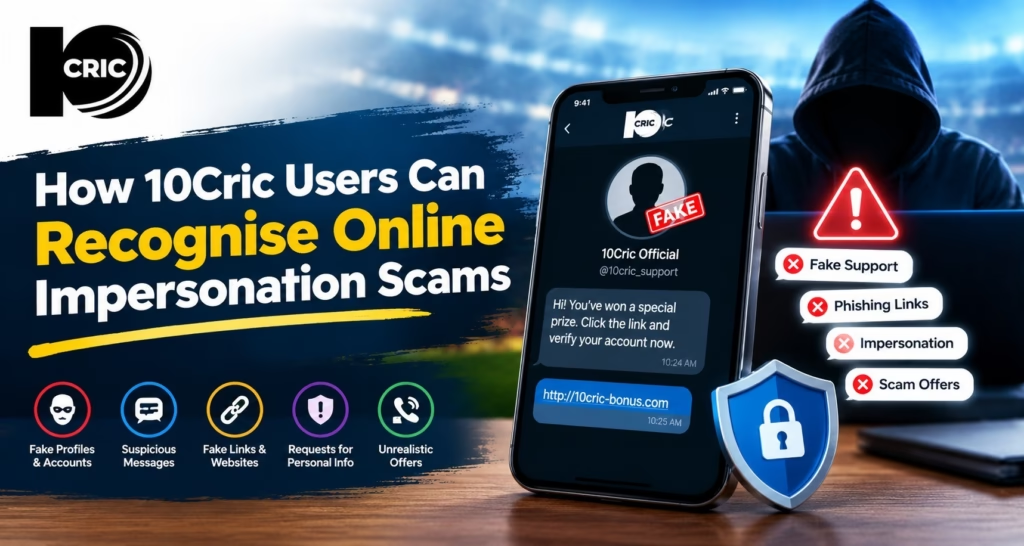
A message arrives claiming that your account has been paused, and it includes a link to restore access. The logo looks familiar, but the sender is a number you do not recognise. That small mismatch is worth taking seriously. This guide shows how 10Cric users can check unexpected contact and protect account details without being rushed.
Urgency and surprise offers deserve a closer look
Impersonators often try to trigger a quick response. A message may warn that access will end within minutes, promise a reward, or claim that a payment is waiting. The aim is to make you tap before you have time to confirm who sent it.
Pause and ask whether you expected the message. Would a genuine service need you to act through a random link or pay a fee to keep an account open? Treat urgency as a reason to verify the claim separately, not as proof that the request is real.
A familiar name does not confirm the sender
A profile photo, logo, or display name can be copied. Check the full phone number, email address, or account name, and look for small differences such as extra characters or a different domain ending. Poor spelling can be a clue, but polished writing does not prove a message is genuine.
If someone calls claiming to be support, end the call and find the contact details through a channel you already trust. Do not rely on a number supplied in that same conversation. This extra step helps you verify the person, not just the branding.
Inspect links and downloads before you act
A fake page can copy the colours and layout of a real sign in screen. Before entering details, check the address carefully and make sure you reached it through a known route. Avoid links in unexpected texts, social posts, emails, or chat messages, especially shortened links that hide the destination.
Do not install an app or file sent by an unknown person who says it will fix a login problem. Use the app store or service instructions you have independently verified. A download can create risks beyond a stolen password, so stop if the message asks you to bypass normal device warnings.
Keep passwords, codes, and payment details private
When using 10Cric login, open the account through a route you have verified instead of a link sent by a stranger. Never share your password, one time code, UPI PIN, card security code, or banking password with someone who contacts you unexpectedly. A request for a fee to unlock access or release a payment is another reason to stop and verify.
Use a unique password and avoid saving it on a shared phone or computer. If a message asks for more information than you normally provide, do not continue. Contact support using independently verified details. We encourage you to verify any request independently.
If you responded, take practical steps quickly
If you clicked a link but did not enter information or install anything, close the page and do not continue. If you entered a password, change it through a trusted route and update it on any other account where you reused it. If you shared payment details, contact your bank or payment provider promptly.
Save the message and relevant transaction information, but do not forward active links to friends. In India, suspected fraudulent calls or messages can be reported through the government’s Chakshu service. If money has been taken, report the incident through official cybercrime channels as soon as possible.
Make verification part of your routine
Online impersonation changes with the tools people use, and fake messages can look convincing. A steady habit helps: pause, inspect the sender and request, then verify through a separate channel. This is useful for login alerts, account notices, and payment messages alike.
Read More : 10Cric Bitcoin Deposits and Betting Safety Checks for Adults
Conclusion
Check the sender, link, and request before sharing information or making a payment. Use 10Cric through a route you trust, keep private details to yourself, and report suspicious contact through appropriate official channels. Take a moment to review your account safety habits today.
FAQs
What is an online impersonation scam?
It is a message or contact from someone pretending to represent a person or service you know. The sender may try to get your login details, payment information, or money.
How can I check whether a support message is genuine?
Check the sender’s full details and confirm the contact through a trusted channel you already have. Do not use contact details supplied only in the unexpected message.
Should I open a login link in an unexpected message?
Avoid it. Reach your account through a route you have independently verified, such as a saved bookmark.
What should I do if I entered my password on a suspicious page?
Change it through a trusted route as soon as possible. Update it anywhere else you reused it, too.
How can I report a suspicious message in India?
The government’s Chakshu service accepts reports of suspected fraudulent calls and messages. If money was taken, report the incident through official cybercrime channels promptly.


